Deleting a Playlist
Deleting a playlist in your LMS is a necessary step to maintain a well-organized and relevant content library.
Step 1: Access the Playlists
On the LMS dashboard, locate and click on the “Learning Path & Playlists” button.
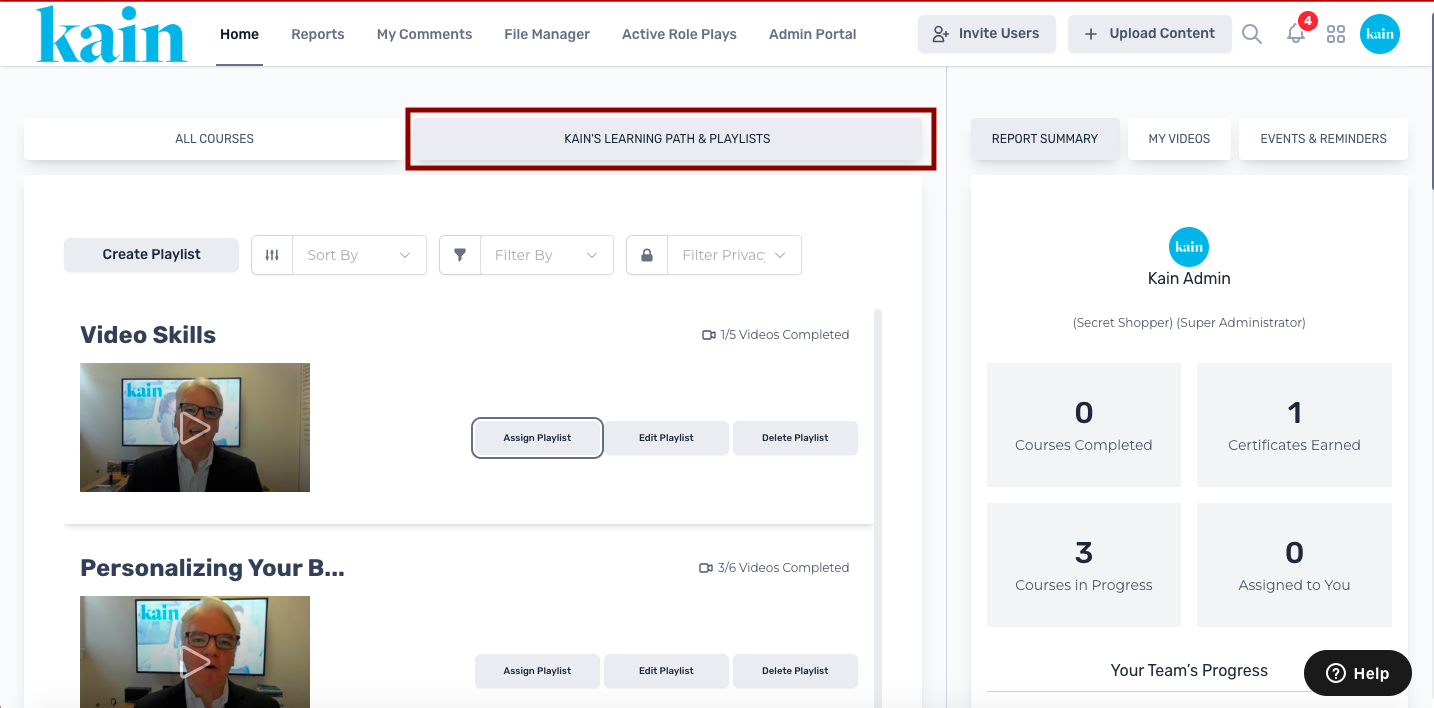
Select a playlist you want to assign by scrolling down.
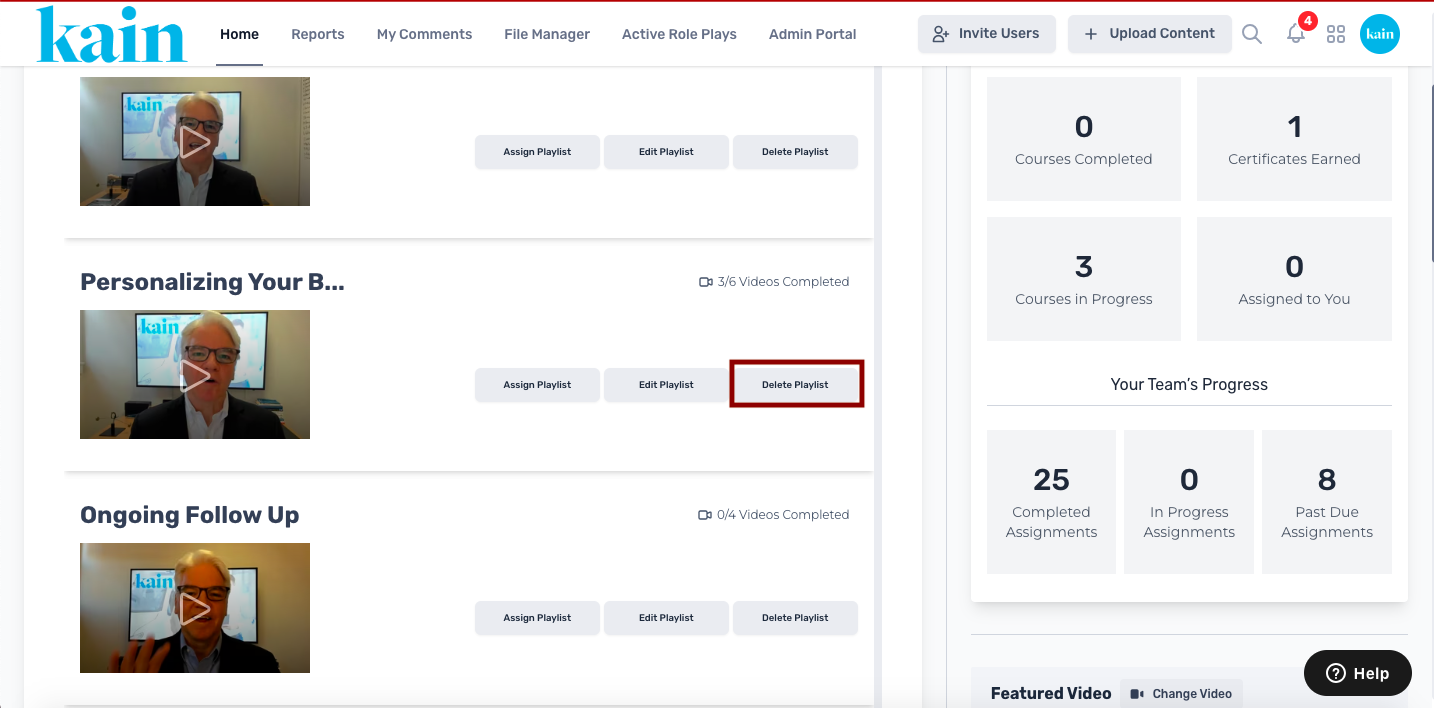
Once you've located the playlist you wish to assign, click the “Delete Playlist” button.
Step 2: Delete the Playlist
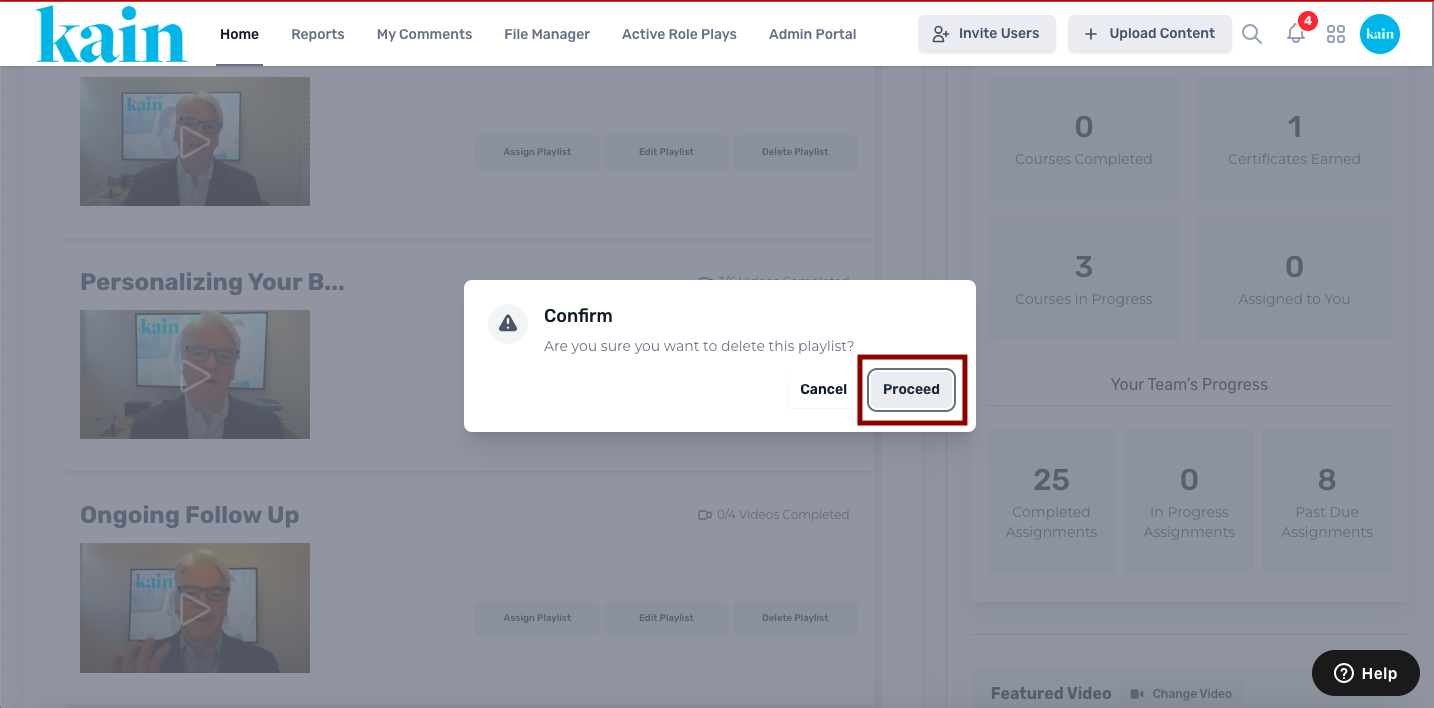
On the pop-up box that appears, click on the “Proceed” button to delete the playlist.